
Language & settings
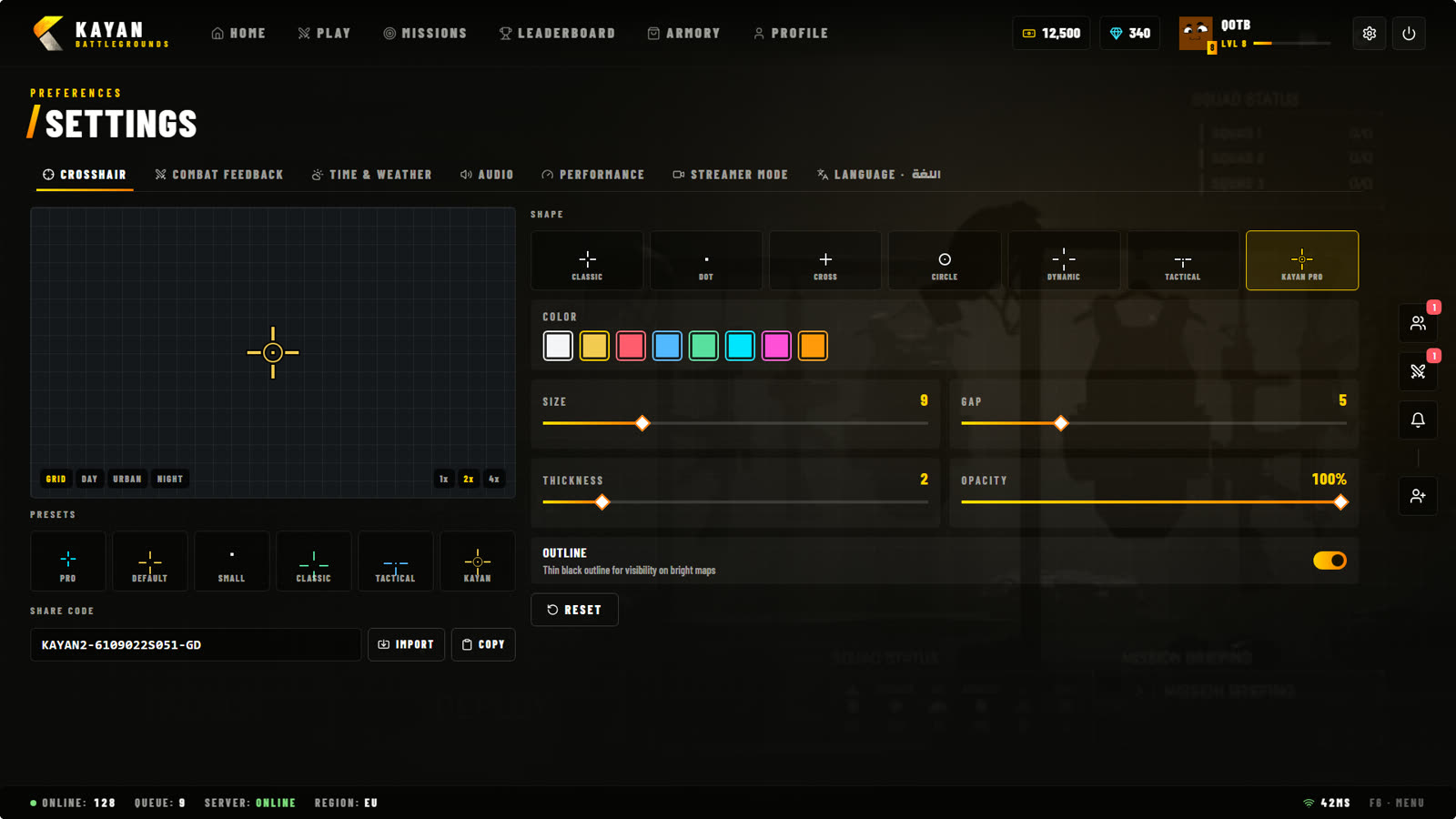
Open Settings from the gear icon at the top right of the lobby, or press F2 in game for the quick settings.
Language
Settings > Language switches the whole game between English and العربية: the lobby, the mode screens, notifications, the killfeed and server messages. Your choice is saved on your account.
Names of players, weapons and keys stay as they are in both languages.
Settings tabs
| Tab | What it changes |
|---|---|
| Crosshair | Style, size, colour, gap and outline of your crosshair. |
| Combat feedback | Hit markers, damage numbers, kill sound, name tags. |
| Time & weather | Your own time of day and weather (only on your screen). |
| Audio | Interface and game sound levels. |
| Performance | Options that help on slower PCs. |
| Streamer mode | Hides codes and private details on screen while you stream. |
| Language | English or العربية. |
Settings are saved and come back every time the lobby opens.