
How to join
What you need
- GTA V (Legacy or Enhanced) on PC.
- FiveM from fivem.net.
- Discord, open on the same PC while you connect.
- The entry permit role in the KAYAN Discord.
Step by step
1. Join the Discord
Join discord.gg/jugeshGMWk and follow the steps in the Discord to get the entry permit role. Without it the server will not let you in.
2. Keep Discord open
Open the Discord app on your PC before you start FiveM. The server checks your Discord account and role when you connect.
3. Find the server
In FiveM, search for KAYAN Battlegrounds in the server list, or use the connect link posted in the Discord.
4. First connection
A welcome card checks your access, then the loading screen opens. The first time, you create your KAYAN account and pick your name.
The loading screen
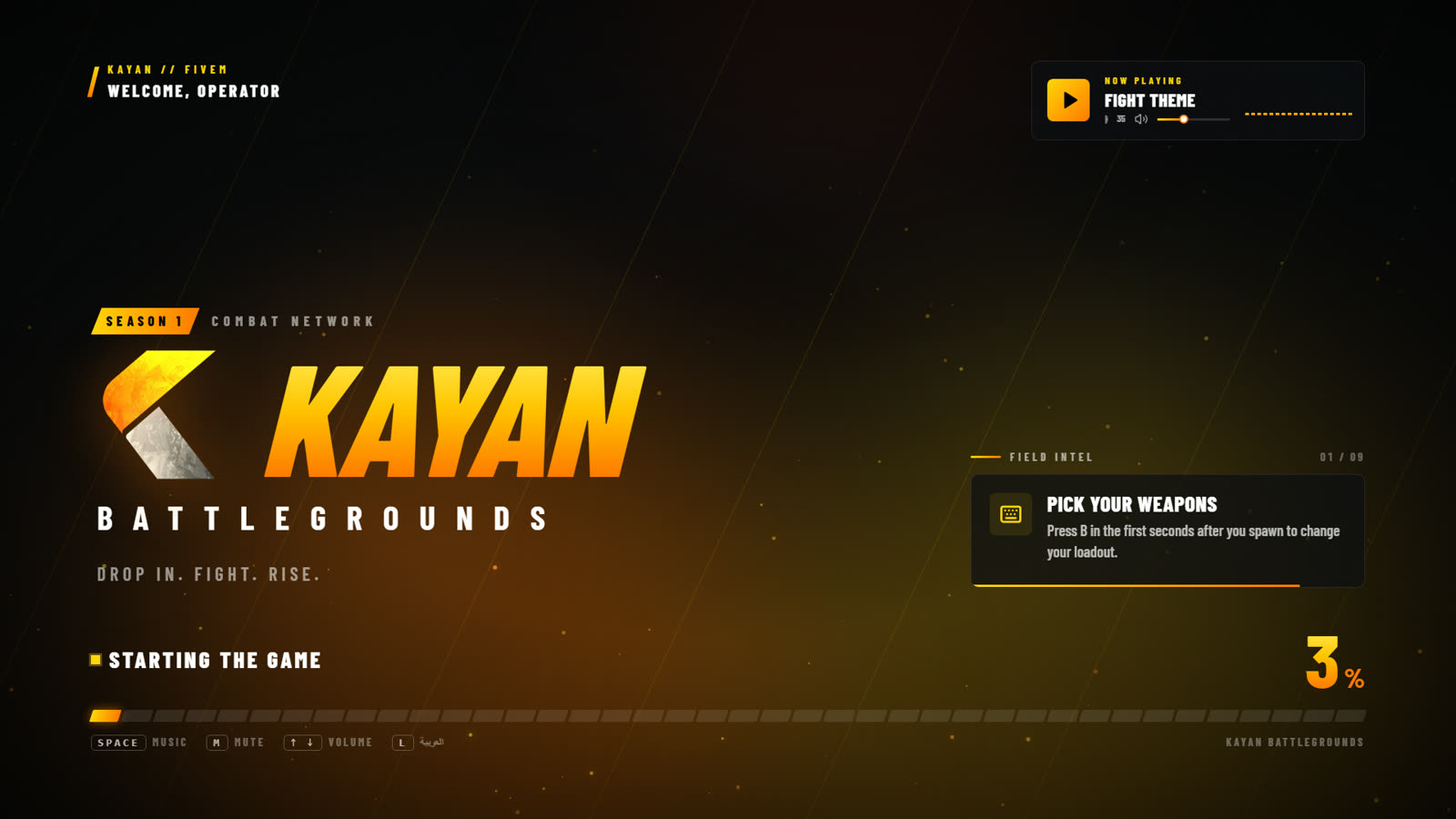
While the game loads you can control the music:
| Key | Action |
|---|---|
Space | Play / pause the music |
M | Mute / unmute |
↑ ↓ or + - | Volume up / down (or the mouse wheel over the music card) |
L | Switch the loading screen between English and Arabic |
Connection problems
| Message | What to do |
|---|---|
| No Discord account found | Open the Discord app, restart FiveM and connect again. |
| You must join the KAYAN Discord | Join the Discord first, then get the entry permit role. |
| You don't have the entry permit role yet | Get the role in the Discord, then connect again. |
| Couldn't verify your Discord access | Discord was slow. Wait a moment and try again. |
| You are banned | The screen shows the reason and when the ban ends. See Reports & appeals. |
INFO
When the server is full you wait in a queue. The queue screen shows your position. Queue priority moves you up the line.